Online cruise ship daily planner
A shared cruise ship daily planner for your whole travel crew
Every cruiser knows the paper or in-app cruise ship daily planner delivered onboard—like Royal Caribbean’s Cruise Compass, Carnival’s FunTimes, Norwegian’s Freestyle Daily, or Princess Patter. Those onboard programs are great once you step on the ship, but they do not let your travel group plan shore excursions together before sailing or see who booked independent tours. Cruise Promenade brings the familiar day-by-day cruise ship daily planner online for your whole group before and during the trip.
Free plannerPrivate share linkNo passenger account required
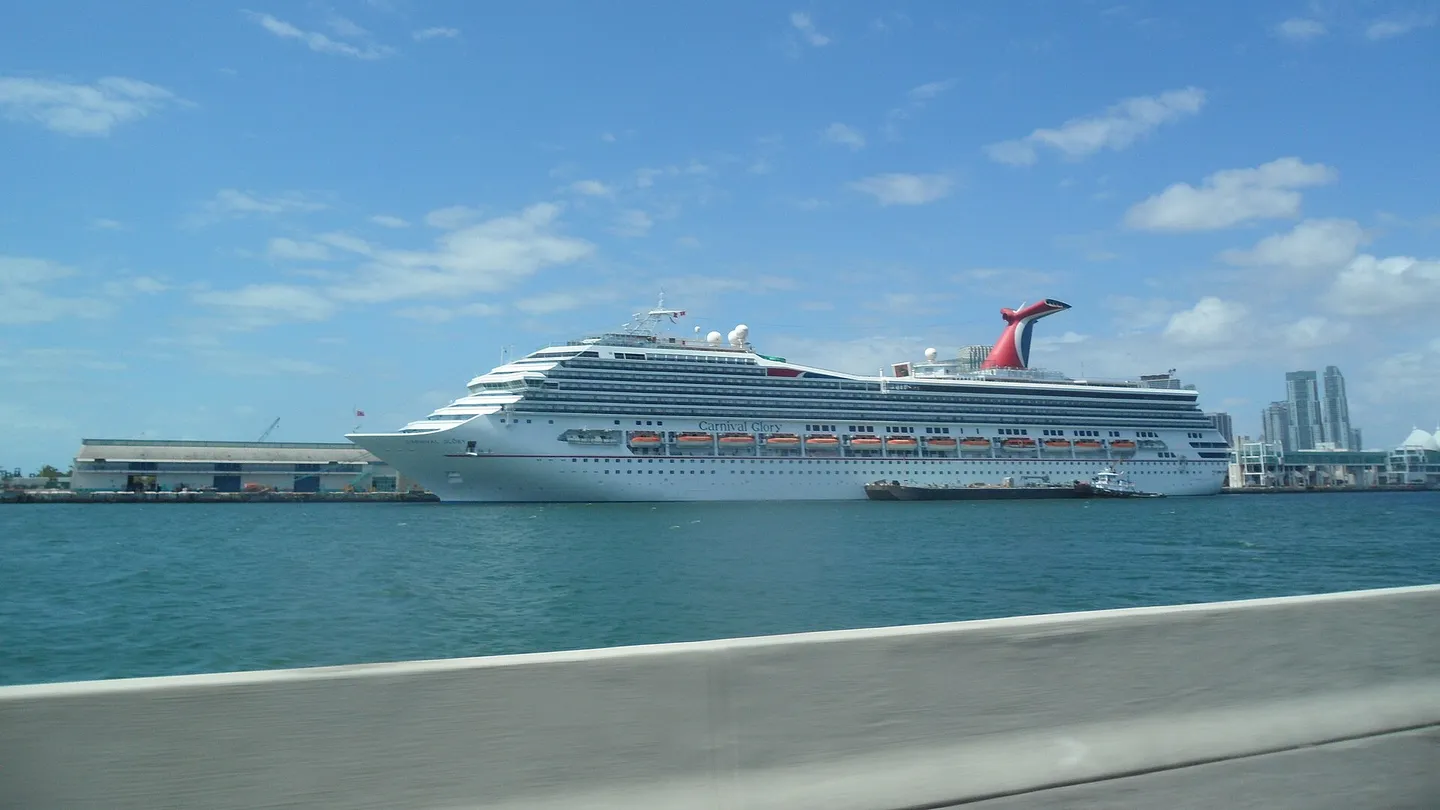 PortMiami, Miami, FloridaPhoto: EgorovaSvetlana · CC BY-SA 4.0
Group Cruise Planning GuideKeep excursion options, departure windows, and headcounts in one private link without forcing your group to install an app.
Step 1
Start with Find my sailing
Choose your cruise line, ship and sailing date so we load your matched port schedule automatically. Confirm the port days and open your shared planning board in seconds—with itinerary PDF upload and manual entry ready whenever you sail on a charter or changed route.
2. Upload my itinerary (charters & schedule changes)
3. Enter itinerary manually (custom fallback)
Step 2
Everything you expect in a daily planner—plus group visibility
Each cruise day shows the date, port or sea-day status, arrival and departure windows, dock-versus-tender context, and a 2-hour recommended return buffer alongside every excursion choice and participant response.
Chronological port & sea-day timeline
Live Going, Booked, and Considering headcounts
Works with ship excursions and independent operators alike
Step 3
Ready offline at sea without forcing an app install
Share one private browser link or a 1-page printable QR welcome flyer. Guests tap their name with no account, password, or cabin number required, and can print a pocket daily card or save a personal .ics calendar before leaving port Wi-Fi.
One private link & printable QR sheet
1-page pocket daily card & .ics calendar export
Zero stateroom numbers or confirmation codes exposed
Questions
What cruise groups ask before starting
How is this different from the cruise line's onboard daily program?
Your ship's onboard daily program lists ship-run trivia, shows, and dining once you board, while Cruise Promenade lets your family or group coordinate port-day excursions, independent tours, return buffers, and headcounts together months before embarkation—and offline in port.
Do I need to upload a PDF to create our daily planner?
No. Choose your cruise line, ship and sailing date with Find my sailing and we load the published port schedule for confirmation automatically. Itinerary uploads remain available for charter cruises and schedule changes.
Does everyone in our cruise group need to download an app?
No. One private link opens in any phone or computer browser with no account or password required.
Keep planning
Related cruise-planning guides
A cruise group planner everyone can actually use
Create one private cruise group planner for port days, activities, bookings and group responses—then share it without requiring everyone to create an account.
Turn your cruise itinerary into a plan your group can follow
Use a free cruise itinerary planner to organize port days, activities, bookings and travelers in one private shareable schedule.
Plan a family cruise without making one person repeat everything
A free family cruise planner for keeping port-day ideas, booked activities, times and participation together in one private shared link.
Browse cruise port guides
Start with the port, then put the real decision into your shared plan.